
When Two Forges Burn Together: How Roll20 and Owlbear Rodeo Make Yer Game Better
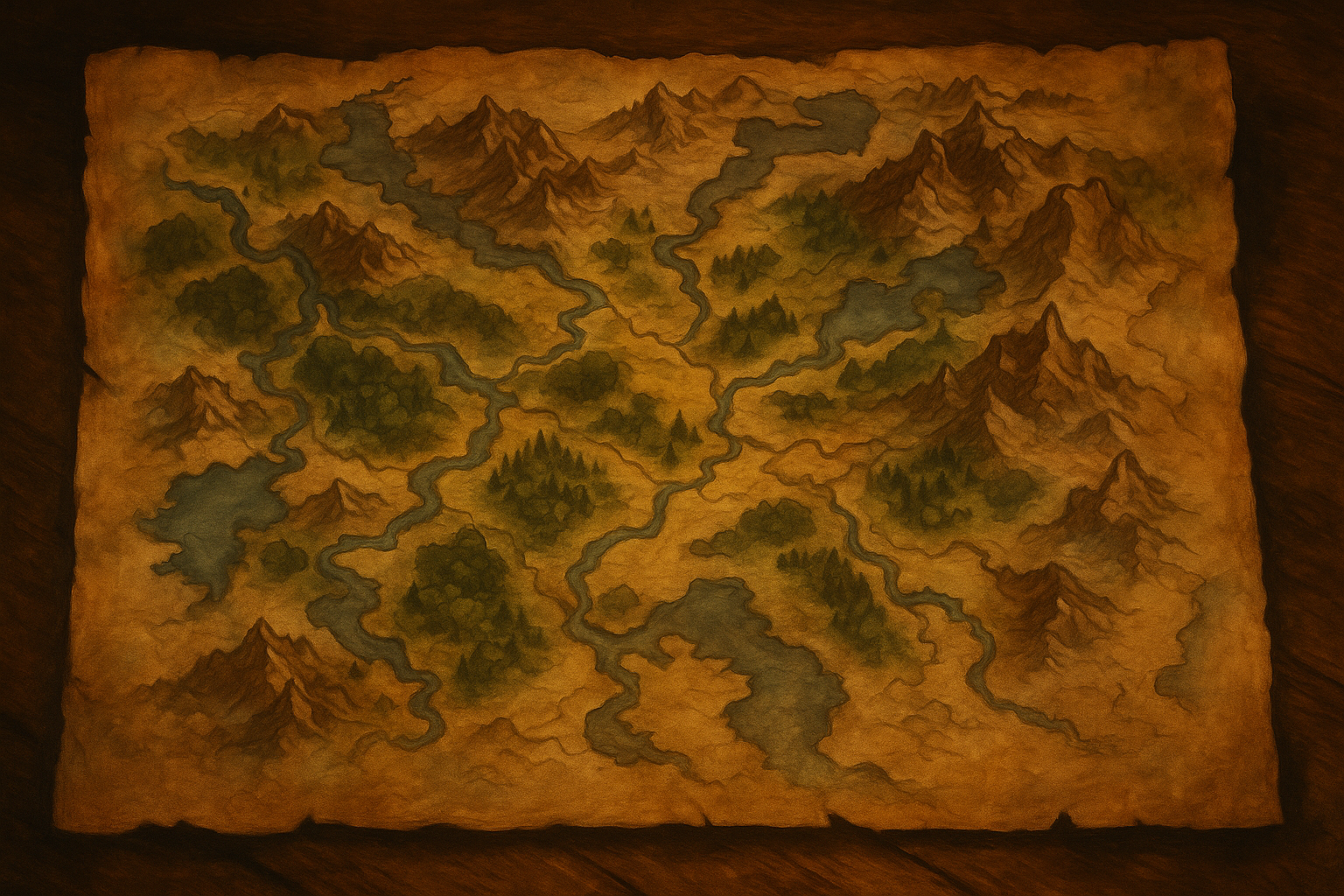
By Margann’s crusty beard, I’ve seen GMs swear eternal loyalty to one digital forge or the other — “Owlbear or nothin’!” “Roll20 till I die!” they bellow, cups raised high.
Truth is, lad, it ain’t a holy war. It’s a partnership waitin’ to happen.
Owlbear Rodeo and Roll20 share more than ye think, and if ye know how to use ’em together, yer games will run smoother than a rogue’s silver tongue.
Let’s see what these two tavern tools have in common — and how their shared strengths can make yer table (virtual or not) feel like a legend in the makin’.
1. Both Forges Are Free to Enter
Ye heard that right — both Roll20 and Owlbear Rodeo let ye play for free.
No secret subscription ambushes, no goblins demandin’ tolls at the gate.
Roll20 gives ye full access to its virtual tabletop, character sheets, dice roller, and token tools.
Owlbear Rodeo gives ye a full battle map experience — drop yer map, add tokens, draw lines, and start the chaos.
A wise GM keeps both handy. When one forge fails mid-session, ye can hop into the other in minutes.
“Free doesn’t mean cheap — it means fast. And fast saves lives when yer party’s arguin’ about line o’ sight for the tenth bloody time.”
2. Both Run Right in Yer Browser
No downloads. No installs. No cursed drivers from 2004.
Just open yer browser, invite yer players, and get rollin’.
This is the biggest blessing these two share.
A player can click a link from their phone or laptop and dive in instantly — no setup, no complaints, no “uhh, it’s askin’ me for a patch.”
That shared convenience is gold for GMs with chaotic groups or rotating players.
Ye can prep in Roll20’s deep features, then run the session in Owlbear Rodeo when ye just want to focus on story, not buttons.
3. Both Handle Maps & Tokens Like Champions
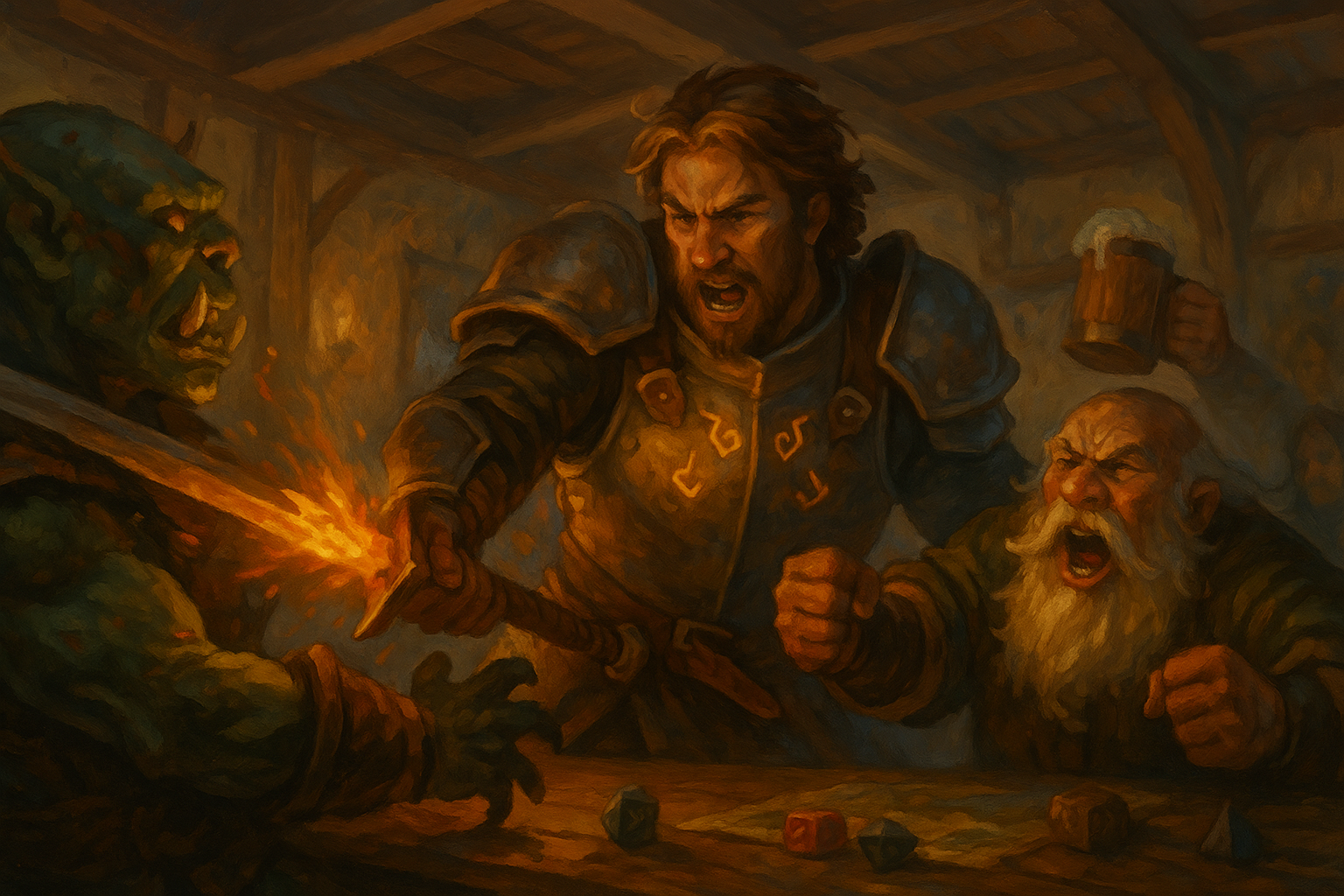
Here’s where the real fun starts. Both tools let ye:
Drop in yer own battle maps (upload JPGs or PNGs).
Place and move tokens with simple drag-and-drop.
Add grids, walls, and fog (Roll20) or clean visuals (Owlbear).
Mark areas, trace movement, and track chaos.
Roll20 gives ye the tactical edge — lighting, vision, and fancy scripting.
Owlbear gives ye the speed — no lag, no nonsense, just movement and murder.
Mix ’em smart:
Use Roll20 for prep — maps, encounters, layers.
Then, export what ye need and toss it into Owlbear when it’s game time.
It’s like sharpenin’ yer blade in one forge and swingin’ it in another.
📌 Tip from the Bar:
👉 Keep one “map folder” shared between both tools.
Ye’ll save hours o’ draggin’, uploadin’, and cussin’.
And if ye need good, free maps, I’ll point ye toward 2-Minute Tabletop and the Tavern Armory.
4. Both Let Players Roll Dice (and Argue About It)
Ye can’t escape it. No matter what tool ye use, someone’s gonna accuse the bard of cheatin’.
Both Roll20 and Owlbear Rodeo have clean, built-in dice rollers.
Roll20’s version is fancy — supports macros, secret rolls, and the math of the gods.
Owlbear’s version is simple — click, roll, done.
Either way, ye’ll see results, ye’ll hear groans, and the rogue will still roll a natural 1 when it matters most.
“If a GM can’t trust a digital dice roller, they’ve never seen a player ‘accidentally’ nudge a D20 mid-roll.”
5. Both Keep Yer Game Flowin’
They might take different paths, but their goal’s the same — keepin’ the story movin’.
When ye use Roll20’s deep prep and Owlbear’s quick runtime together, ye get the best of both worlds:
Smooth initiative tracking
Shared vision and grids
Real-time movement that doesn’t lag to death
Players who stop complainin’ about setup
And aye, both tools now support voice and chat, so ye can skip Discord if ye want — though by Elgrin’s ale, I still recommend it.
Together, they keep yer game focused on story, not setup.
That’s the holy grail every GM’s been chasin’.
6. Both Grow With Ye
A beginner can hop into either in minutes, but masters can turn both into marvels.
Roll20 scales upward — ye can automate entire combats, import monsters, and script half yer prep.
Owlbear scales outward — add plug-ins, connect third-party dice, or import custom features.
Start small, learn fast, and don’t let the tech outshine the tale.
If ye want inspiration for that, wander through the Tavern Toolshed or brush up on GM Wisdom.
Mike’s Final Word
Owlbear Rodeo is yer quick blade — fast, light, reliable.
Roll20’s yer warhammer — heavy, powerful, but it’ll wear ye out if ye swing it wrong.
Use ’em both, lad.
Prep in Roll20, fight in Owlbear.
And if both crash mid-battle, grab some parchment and go old-school — the best maps are still drawn in ale stains and pencil marks.
“By Grabgar’s hammer, if ye can’t run a good game with free tools this good, the problem ain’t the tools.”
